A minimal, offline-first clock overlay and focus companion built for students who want distraction-free productivity. Free, source-available, and privacy-first.
More than just a clock — it's your complete focus companion for distraction-free study sessions.
Transparent Clock (also known as Clock Overlays) is a lightweight Windows desktop application that keeps a minimal, always-on-top clock visible on your screen at all times. But it's much more than a simple clock.
Behind the transparent overlay lies a calm, organized dashboard packed with productivity tools: a Pomodoro timer for focused work sessions, the hardcore Prep-Meter (War Mode) for serious exam tracking, a To-Do list for task management, Focus Insights for tracking your study patterns with heatmaps and graphs, and a suite of utilities including QR code tools and URL shortening.
The app was designed with a core philosophy: your data belongs to you. There is absolutely zero telemetry, no cloud storage, no analytics, and no tracking. Everything runs locally on your machine. The few online features (QR generation, URL shortening) are opt-in and clearly marked.
Created by Deep Dey, a class 11 student and JEE aspirant, Transparent Clock was born from a real need — having a visible clock during study sessions without constantly checking the phone. It grew into a full productivity suite that helps thousands of students stay focused.
A comprehensive suite of tools designed for student productivity.
Always-on-top transparent clock that sits on your desktop. Adjustable opacity, size, position, and format (12/24h). Never lose track of time again.
Core FeatureBuilt-in Pomodoro technique with customizable work/break durations. Toast notifications, session counting, and automatic long breaks after 4 cycles.
Focus ToolTactical calendar, Commander's Oath, and target exam countdowns designed specifically for elite discipline and serious JEE/NEET tracking.
AccountabilitySimple, clean task management. Add, edit, complete, and organize tasks. Everything saved locally — persists between sessions.
ProductivityVisualize your productivity with bar graphs, line charts, and heatmaps. Track daily, weekly, and monthly patterns. Filter by date range.
AnalyticsCentral hub connecting all features. Quick access to Pomodoro, tasks, insights, and settings from one calm, organized interface.
InterfaceQR Code generator and scanner, QuickLink URL shortener, and more tools accessible from the utilities tab.
Online-AssistedPersonalize your experience with a local profile. Track your total focus hours, completed tasks, and productivity streaks.
PersonalFull control over clock appearance, Pomodoro timing, notification preferences, startup behavior, and data management.
CustomizationZero data collection. No telemetry. No cloud. No tracking cookies. Your study habits stay on your machine, always.
SecurityBuilt with modern .NET technology for performance and reliability.
We believe productivity tools shouldn't spy on you.
Zero analytics, crash reports, or usage tracking sent anywhere.
All data saved as JSON files on your machine. No cloud sync.
Full source code on GitHub. Verify every claim yourself.
Core features work without internet. Online tools are clearly marked.
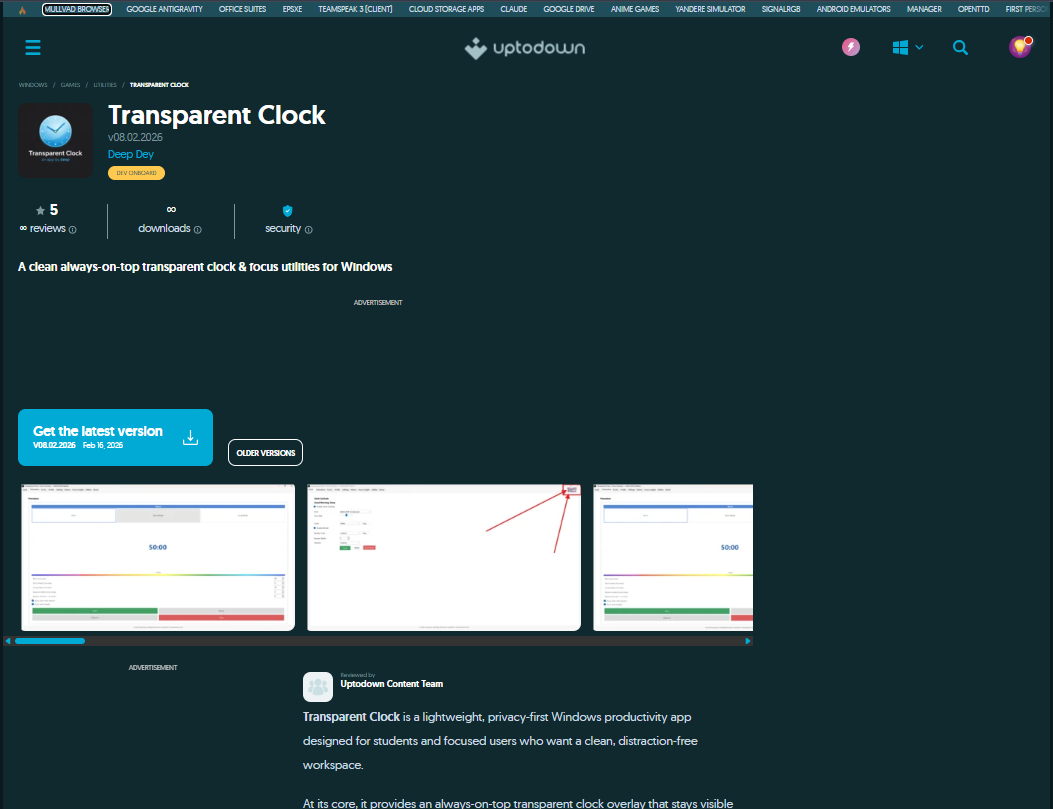
Transparent Clock is officially listed on Uptodown, one of the world's largest independent software distribution platforms with over 130 million monthly users. Uptodown is headquartered in Málaga, Spain and has been trusted since 2002.
Being on Uptodown means our app has been reviewed by their content team, scanned for security, and made available to a global audience. Users get a verified, safe download with every version update automatically published.
Every version is scanned and verified by Uptodown's security systems before listing.
Available to 130M+ monthly users across 200+ countries worldwide.
Rated 5 out of 5 stars by users on the Uptodown platform.
Reviewed by Uptodown Content Team as a "lightweight, privacy-first productivity app."
New releases are automatically published to Uptodown for instant access.
Access previous versions anytime through Uptodown's version archive.
Modern tools and frameworks powering Transparent Clock.
Core application
Desktop UI framework
Focus analytics
Local data persistence
Windows installer
Website frontend
Website hosting
Source & releases
From a simple clock to a full productivity suite.
Built in public, with feedback welcome.
Full source code available for review, learning, and security inspection. Star the repo or open issues.
Source-AvailableSource code is viewable for learning and security review. Copying, redistribution, and derivative works are prohibited. Free to use as an end user.
Source-AvailableGet help through GitHub Issues, Discussions, or the Contact page. Join a growing community of focused students.
SupportDownload Transparent Clock today and transform your study sessions.